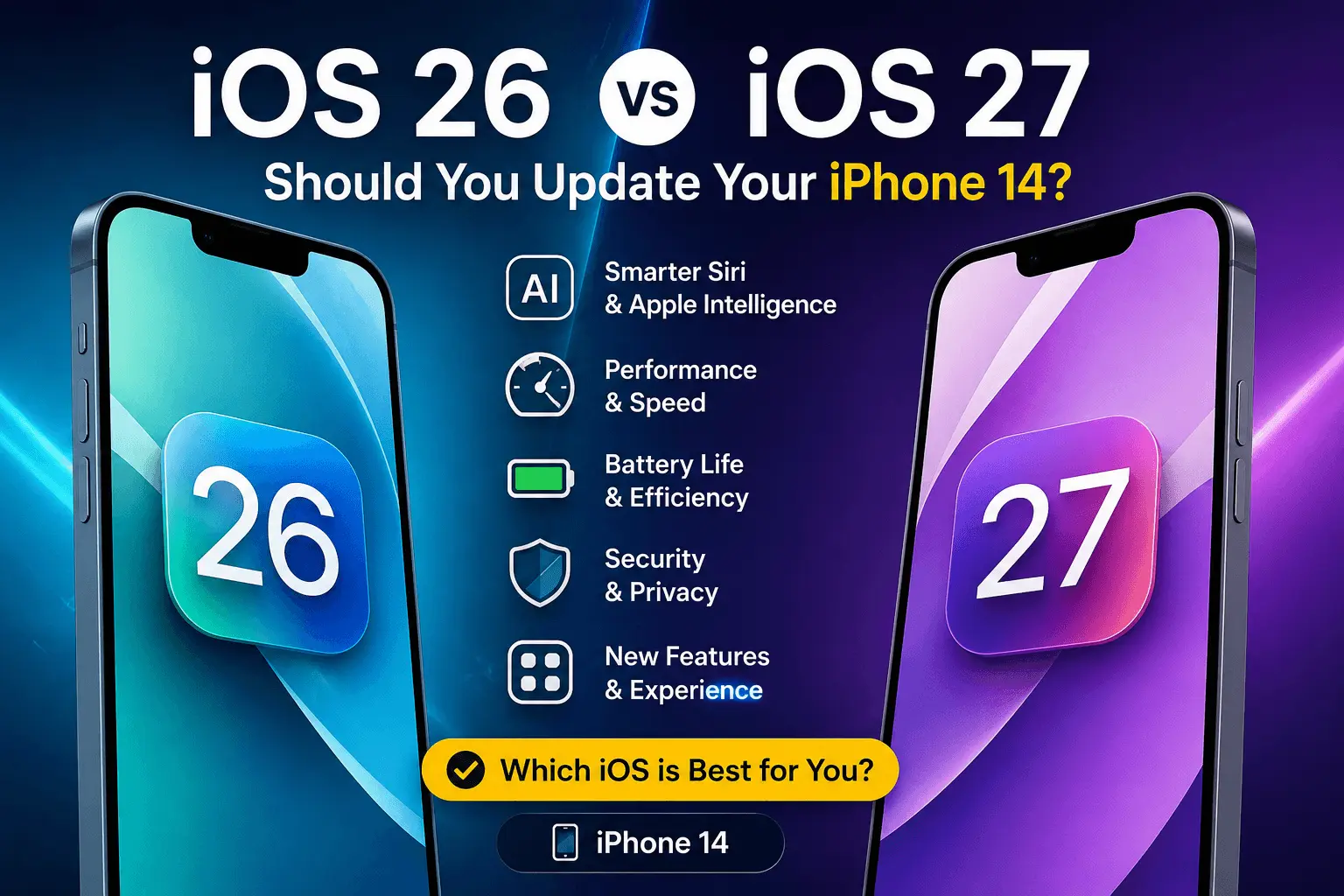
If you own an iPhone 14, the iOS 26 vs iOS 27 comparison is more important than a simple “newer is better” decision. Apple’s latest software updates bring security improvements, performance changes, design refinements, and new features, but not every update feels the same on a two-generation-old iPhone.
The big question is simple: should I update iPhone 14 to iOS 27, or stay with the iOS 26 stable version for now?
As of July 2026, iOS 26 remains the latest public stable iPhone software listed by Apple, with iOS 26.5.2 released for security fixes. Apple has also previewed iOS 27, highlighting Siri AI, Apple Intelligence improvements, and broader system responsiveness, but many iOS 27 features may depend on device hardware and regional availability.
For iPhone 14 users in the USA, the best answer depends on how you use your phone every day: battery life, app stability, security, and whether you care about the newest AI features.
iOS 26 vs iOS 27: What’s the Real Difference?
The jump from iOS 26 to iOS 27 is not just about a new number. iOS 26 focused heavily on refining the iPhone experience after Apple’s major visual and system changes, while iOS 27 puts more attention on intelligence, responsiveness, and smarter everyday actions.
Apple’s iOS 27 preview emphasizes Siri AI, personal-context assistance, and the ability for Siri to take action across more apps. Apple also describes iOS 27 as bringing improvements across memory usage, search, design, Liquid Glass, display rendering, and CPU utilization.
That sounds exciting, but there is a practical catch. The iPhone 14 does not have the same chip-level AI capability as newer Pro models, so the iOS 27 new features for iPhone 14 may not include every advanced Apple Intelligence tool.
In other words, the iPhone 14 iOS 27 update may feel more like a stability, security, and usability upgrade than a full AI transformation.
iOS 27 Compatibility: Will iPhone 14 Support It?
The good news is that the iPhone 14 is already confirmed as compatible with iOS 26, along with the iPhone 14 Plus, iPhone 14 Pro, and iPhone 14 Pro Max. Apple’s support page also shows users how to check the installed iOS version under Settings > General > About and update through Settings > General > Software Update.
For iOS 27 compatibility, Apple’s iOS 27 page lists iPhone 14 among supported devices in several regional versions of its site, which strongly indicates that the iPhone 14 family remains eligible for iOS 27. However, eligibility does not always mean feature equality.
This is important for buyers searching for the best iOS version for iPhone 14. Your phone may receive iOS 27, but some AI-heavy features may be limited, delayed, or unavailable compared with newer models.
iOS 26 Performance on iPhone 14
For many users, iOS 26 performance on iPhone 14 is already mature. By mid-2026, Apple has released multiple iOS 26 updates, including iOS 26.1, 26.2, 26.3, 26.4, and iOS 26.5.2. That matters because later point releases usually fix early bugs, improve security, and smooth out problems found after the first major launch.
On an iPhone 14, iOS 26 should generally feel familiar and predictable. Apps are likely to be well-optimized, most common bugs have already been addressed, and battery behavior is easier to judge because users have had months of real-world use.
That does not mean iOS 26 is perfect. Some users may still search for iOS 26 battery drain, especially after installing a new point update. This can happen because the phone re-indexes photos, files, apps, and system data after an update. Usually, battery behavior settles after a day or two.
For users who rely on their iPhone 14 for work calls, banking apps, navigation, CarPlay, travel, or mobile payments, iOS 26 is the safer choice until iOS 27 exits early beta and receives a few public fixes.
iOS 27 Features: What iPhone 14 Users Should Expect
The headline iOS 27 features are centered around smarter assistance and better system responsiveness. Apple highlights Siri AI as a more personal assistant powered by Apple Intelligence, with richer answers, natural conversations, and a dedicated app. Siri AI is also described as coming in English later this year.
For USA users, English support is relevant, but hardware matters too. iPhone 14 owners should expect some system-level improvements, app refinements, privacy updates, and security patches. However, the most advanced Apple Intelligence features may work best on newer iPhones with more powerful chips.
Practical examples may include:
- Better search across apps and settings
- More refined Liquid Glass visuals
- Improved system responsiveness
- Smarter Siri interactions where supported
- Updated privacy and security protections
- Better integration between Apple apps
For everyday users, the most noticeable iPhone 14 iOS performance changes may not be flashy. The real value could come from smoother app switching, fewer glitches, stronger security, and better long-term app support.
iOS 27 Battery Life on iPhone 14
Battery life is usually the biggest concern before any major update. Searches for iOS 27 battery life will increase as more iPhone 14 users install the beta and later the public release.
Here’s the realistic view: the first few days after a major update can feel rough. Your iPhone may run background tasks, update app databases, reprocess photos, and rebuild search indexes. During that period, battery drain does not always reflect long-term performance.
If you depend on your iPhone 14 all day, wait before installing iOS 27 on your main device. Let early users test real-world battery performance first. Look for reports from people using the same model: iPhone 14, iPhone 14 Plus, iPhone 14 Pro, or iPhone 14 Pro Max.
For now, users who prioritize battery consistency may be better off staying with the latest iOS 26 stable version until iOS 27.0.1 or iOS 27.1 arrives.
iOS 27 Bugs and Problems: Should You Worry?
Every major iOS release has early issues. That does not mean it is bad; it simply means millions of users will test combinations that Apple’s beta program cannot fully reproduce.
Possible iOS 27 problems on iPhone 14 could include app crashes, battery drain, Bluetooth issues, CarPlay glitches, overheating during setup, or slower performance in the first 24–48 hours. Some of these may be temporary, while others may need a follow-up patch.
This is why people searching for iOS 27 bugs should be careful with early beta impressions. A developer beta is not the same as a final public release. Even a public beta can behave differently from the official version released in September.
If your iPhone 14 is your only phone, avoid beta software. If you need maximum reliability, wait for the first or second public bug-fix update.
iOS 27 Security Update: A Strong Reason to Upgrade Eventually
Security is the strongest argument for keeping your iPhone updated. Apple says keeping software up to date is one of the most important steps for maintaining product security, and its security releases page lists iOS 26.5.2 as a security update released on June 29, 2026.
That means even if you do not rush to iOS 27 on day one, you should not ignore updates entirely. The iOS 27 security update cycle will likely become more important once iOS 27 becomes the main public release.
For users in the USA who use Apple Pay, banking apps, work email, password managers, or two-factor authentication, security updates are not optional extras. They protect the device you use to manage your money, identity, and private data.
A smart approach is to install stable security updates quickly, but avoid early beta versions unless you understand the risks.
iPhone 14 Update Review: Who Should Install iOS 27?
This iPhone 14 update review comes down to user type.
You should consider updating to iOS 27 when the final public version is available if you like new features, use Apple’s built-in apps heavily, want the latest security protections, and are comfortable with minor early bugs.
You should wait if your iPhone 14 is essential for work, travel, rideshare driving, business calls, banking, or content creation. In those cases, iOS 26 is the more predictable option until iOS 27 receives early patches.
You should avoid iOS 27 beta on your main iPhone 14 unless you are a developer, tester, or advanced user. Beta software can be unstable, and Apple notes that once an iOS update is installed, users cannot downgrade through normal update settings.
iOS Update Pros and Cons for iPhone 14
Pros of Updating to iOS 27
The biggest benefit is access to the newest Apple software experience. You may get improved performance, better search, updated apps, new privacy controls, and future security patches.
Another advantage is app compatibility. Over time, developers optimize apps for the newest iOS version. Staying current helps avoid problems with banking apps, streaming apps, smart home tools, and productivity software.
Cons of Updating to iOS 27
The downside is early instability. New releases can introduce bugs that affect battery life, Bluetooth, Wi-Fi, notifications, or specific third-party apps.
Another concern is feature limitation. Some iOS 27 new features for iPhone 14 may not match what newer iPhones receive, especially features tied to advanced Apple Intelligence.
So, the iOS update pros and cons are clear: update for security and long-term support, but wait if you value stability above everything else.
iOS 27 Speed Test Expectations
A true iOS 27 speed test on iPhone 14 should compare app launch times, keyboard response, camera opening speed, Safari performance, gaming frame consistency, and heat management.
Early impressions may vary because beta software is not final. A clean iPhone 14 with good battery health may feel fast, while a device with low storage, an aging battery, and hundreds of background apps may struggle after any major update.
Before updating, check three things:
- Battery Health under Settings > Battery
- Free storage under Settings > General > iPhone Storage
- App updates in the App Store
For best results, keep at least 10–15GB of free storage before installing a major iPhone 14 software update.
Best iOS Version for iPhone 14: Final Recommendation
For most iPhone 14 users in the USA, the best iOS version for iPhone 14 right now is the latest stable iOS 26 release, especially if you need reliability today.
However, once iOS 27 becomes publicly available and receives its first bug-fix update, it will likely become the better long-term choice. Apple’s update path is designed around security, app support, and future compatibility.
So, should you update?
If you want stability: stay on iOS 26 for now.
If you want new features: update after the official iOS 27 public release.
If you want the safest timing: wait for iOS 27.0.1 or iOS 27.1.
If you are thinking about beta software: do not install it on your main iPhone 14.
In simple terms, the iPhone 14 latest iOS version should always be stable, secure, and compatible with your daily needs—not just the newest version available.
FAQ
1. Should I update iPhone 14 to iOS 27 immediately?
Not immediately if your iPhone 14 is your main phone. Wait for the official public release and preferably the first bug-fix update. If you value stability, the latest iOS 26 stable version is the safer option for now.
2. Will iOS 27 slow down my iPhone 14?
It should not dramatically slow down the iPhone 14, but early versions may have bugs or background processes that affect performance temporarily. A proper iOS 27 speed test after the final release will give a clearer picture.
3. Is iOS 27 compatible with iPhone 14?
Yes, Apple’s current compatibility information indicates that iPhone 14 models are included for iOS 27 support. However, some advanced iOS 27 features may require newer iPhone hardware.
4. Does iOS 27 improve battery life on iPhone 14?
It may improve efficiency in some areas, but battery life depends on battery health, apps, settings, and update maturity. If you are worried about iOS 27 battery life, wait for user feedback after the final release.
5. What should I do before installing iOS 27?
Back up your iPhone, update your apps, free up storage, check battery health, and avoid installing beta software on your main device. Also, read early reports about iOS 27 bugs before updating.
Conclusion
The iOS 26 vs iOS 27 decision for iPhone 14 is not about chasing the newest software as fast as possible. It is about choosing the version that gives you the best mix of security, performance, battery life, and reliability.
For now, iOS 26 remains the safer everyday choice for most iPhone 14 users, especially because Apple continues to release security updates. iOS 27 looks promising, with smarter Siri AI, system responsiveness improvements, and new features, but iPhone 14 users should wait for the final public release before making the jump.